Restaurant billing software features
DeviPOS is restaurant POS software for your Windows PC and Android phone: billing, KOT, GST bills with a UPI QR, cash drawer, reports and cloud backup, all in one licence.
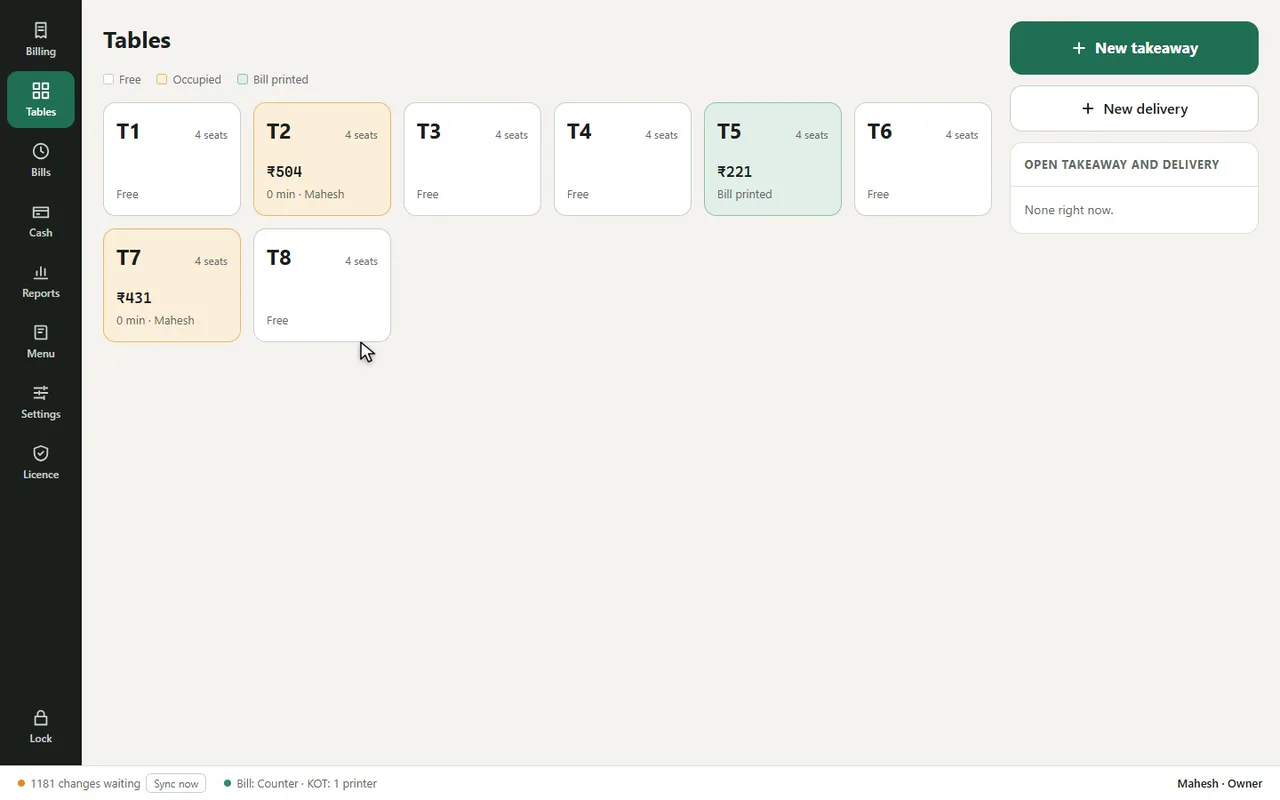
Tables at a glance
Free, occupied or bill printed. Move or merge tables in one step.
Takeaway and delivery
Their own order numbers, packing and delivery charges.
Sizes and add-ons
Half / Full, extra cheese, notes for the kitchen.
Discounts with limits
Cashiers up to 10%; more needs a manager PIN. Every discount is logged.
Charges
Service charge you can remove, packing and delivery charges.
Cash drawer and day-end
Opening cash, pay in / pay out, counted vs expected at closing.
Staff PINs and roles
Owner, manager, cashier and waiter, each with their own 4-digit PIN.
Activity log
Discounts, cancels, reprints and price changes, with who did them.
Excel export
Every report to Excel for you or your CA.
500+ ready dishes
Gujarati, Kathiyawadi, Punjabi, South Indian, Chinese, mithai, bakery and drinks.
Your bill, your way
Logo, GSTIN, FSSAI, text size, footer and 80 or 58 mm paper.
Two devices, one restaurant
Counter PC and a phone share tables and bills in seconds.
Fast billing by touch or keyboard
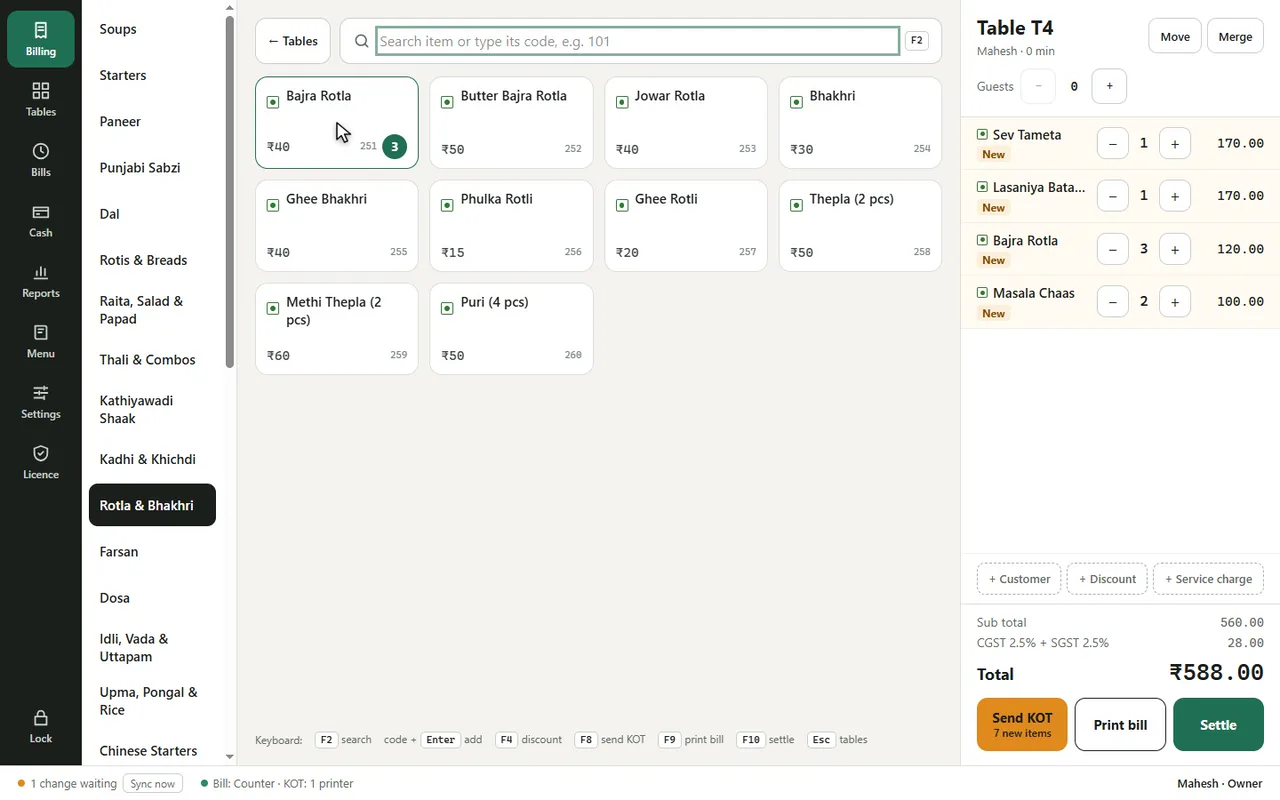
Dine-in by table, takeaway and delivery from one screen. Tap a dish, or press F2, type its short code and press Enter. Function keys do the rest: F8 sends the KOT, F9 prints the bill, F10 settles.
- Item sizes such as Half / Full, add-ons and notes
- Customer name and phone, with lookup by phone for repeat customers
- Move an order to another table, or merge two tables into one bill
KOT to the kitchen printer
When the order is sent, a numbered KOT prints in the kitchen with the table, items, quantities and notes. New items on the same table go out as a new KOT, and the bill always has everything.
- Removing a sent item needs a reason and a manager PIN, and prints a cancel KOT
- If the kitchen printer is off, the KOT waits and prints when it is back
- A waiter phone prints the KOTs for its own items
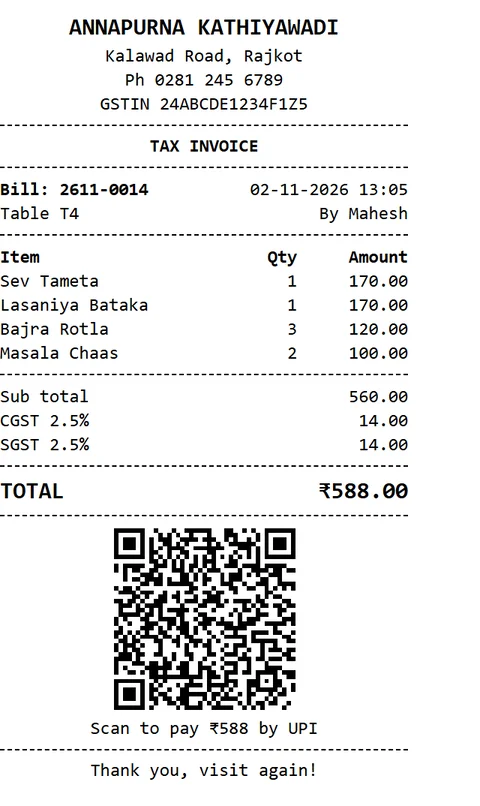
GST bills with CGST, SGST and a UPI QR
Set the GST rate on each item once. DeviPOS works out CGST and SGST on every bill and prints your GSTIN, FSSAI number and logo. Composition restaurants get a Bill of Supply, and unregistered ones a plain bill.
- Prices with GST on top or included
- Service charge you can remove, packing and delivery charges
- Bills numbered by month, e.g. 2611-0042; reprints marked as duplicate
- 80 mm or 58 mm paper, text size and footer of your choice
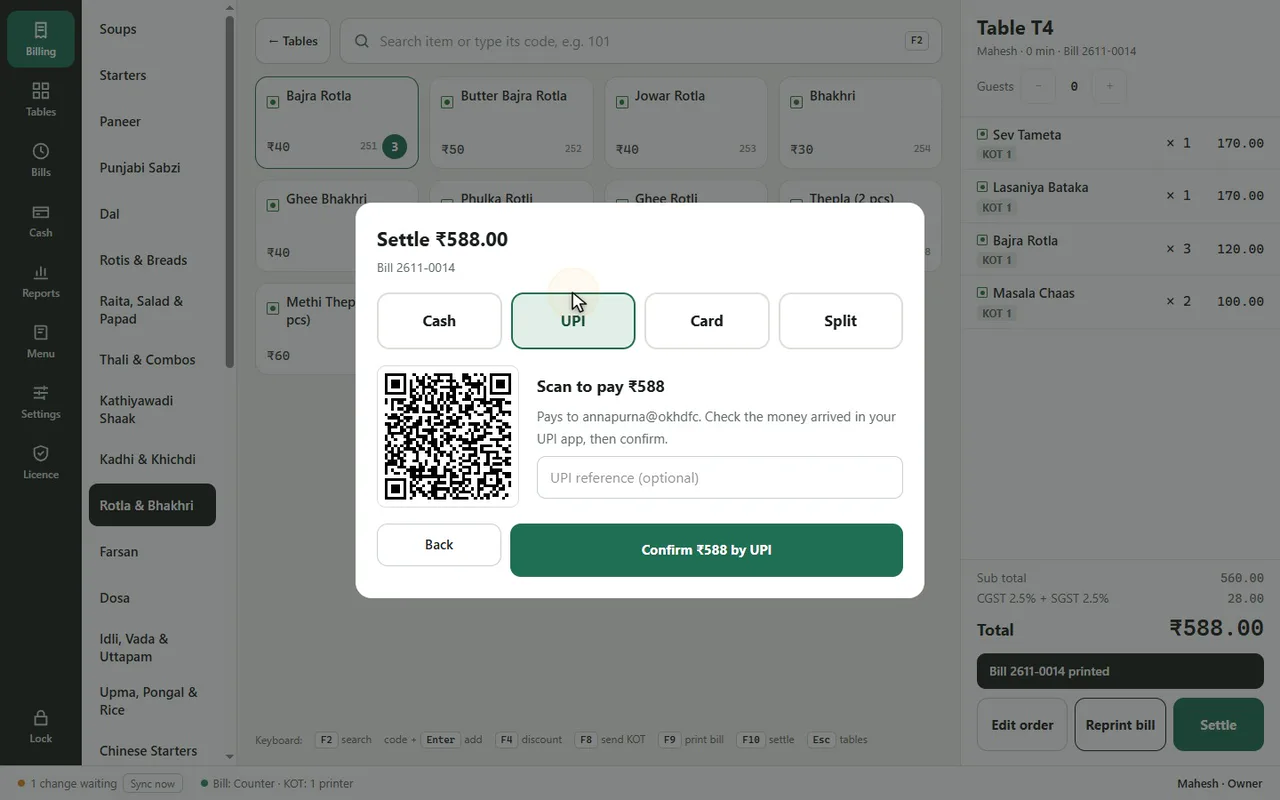
Cash, UPI, card or split, and a drawer that adds up
Record how each bill was paid, including split payments. The Cash screen keeps opening cash, pay in and pay out with reasons, and the day-end close compares counted cash with what the drawer should hold.
- Discounts as percent or flat, with a reason; above 10% needs a manager PIN
- No-charge bills need a reason and a manager PIN, and are kept on record
- Day-end summary printed on the bill printer
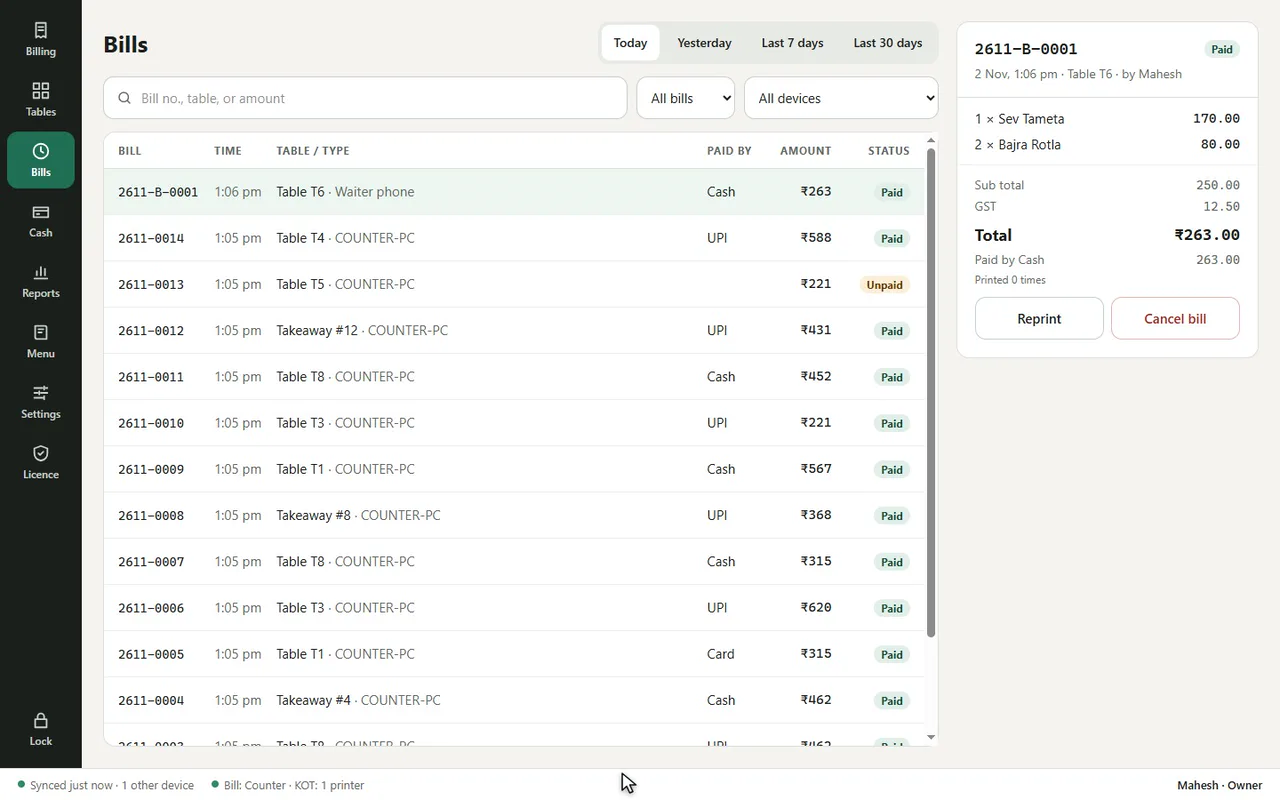
Reports for the owner, Excel for the CA
Summary, items and categories, staff, sales by hour, discounts and cancels, and a GST summary with HSN / SAC. Pick today, yesterday, the last 7 or 30 days or any dates, and export to Excel.
- Activity log of discounts, cancels, reprints and price changes
- Only the owner and manager can see reports
- Filter by device when you use two devices
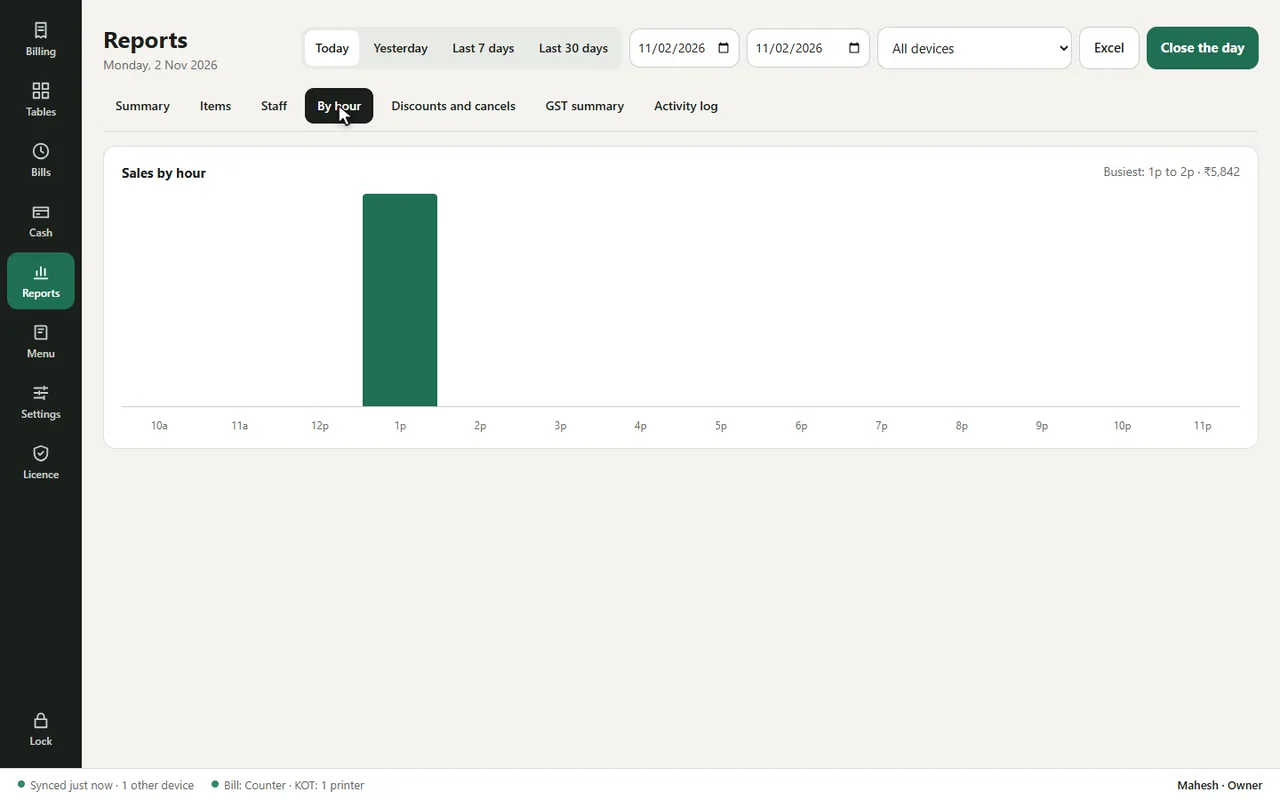
Works without internet, backed up to the cloud
Every bill is saved on the device first, so billing never waits for the internet. New bills go to the cloud backup within about 5 minutes when online, and a local backup runs every night, with an option to copy it to a USB drive.
- New or repaired PC: sign in and the restaurant comes back from the cloud
- Bills are never edited or deleted, only cancelled with a record
- Staff sign in with 4-digit PINs; roles for owner, manager, cashier and waiter
The same app on your counter PC, tablet and phone
One licence covers two devices. Both share the same tables, menu and bills within seconds, and each keeps billing on its own if the internet drops.
- Windows 10 / 11 PC with any thermal printer that has a Windows driver
- Android phone or tablet with a Bluetooth or Wi-Fi printer
- Each device has its own bill series and cash drawer
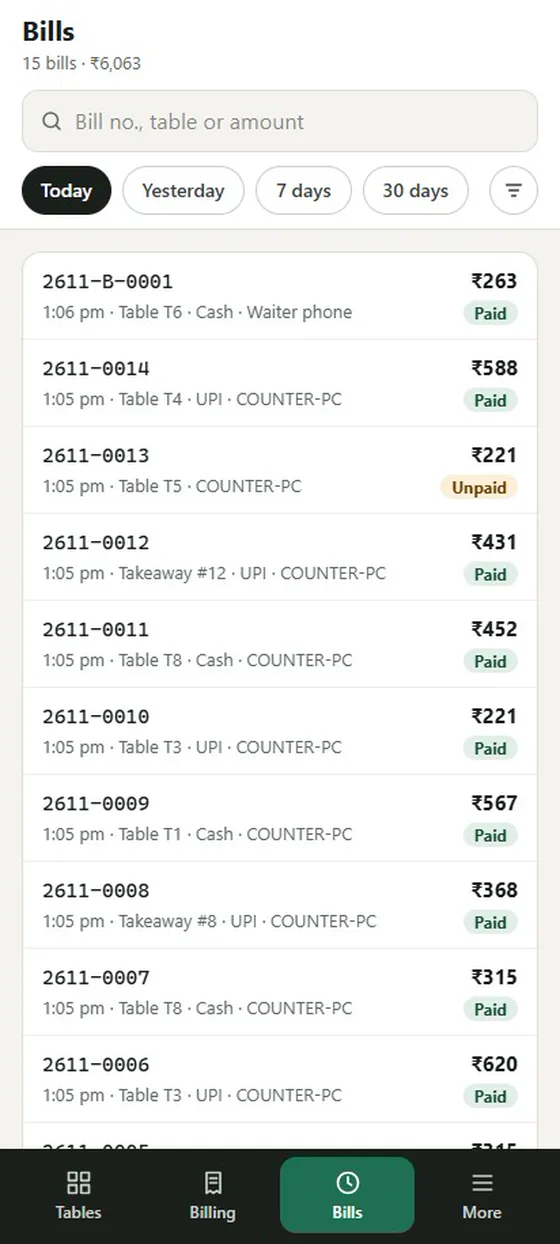
See DeviPOS on your own menu
A free demo at your restaurant or on a video call. You can be billing the same day.